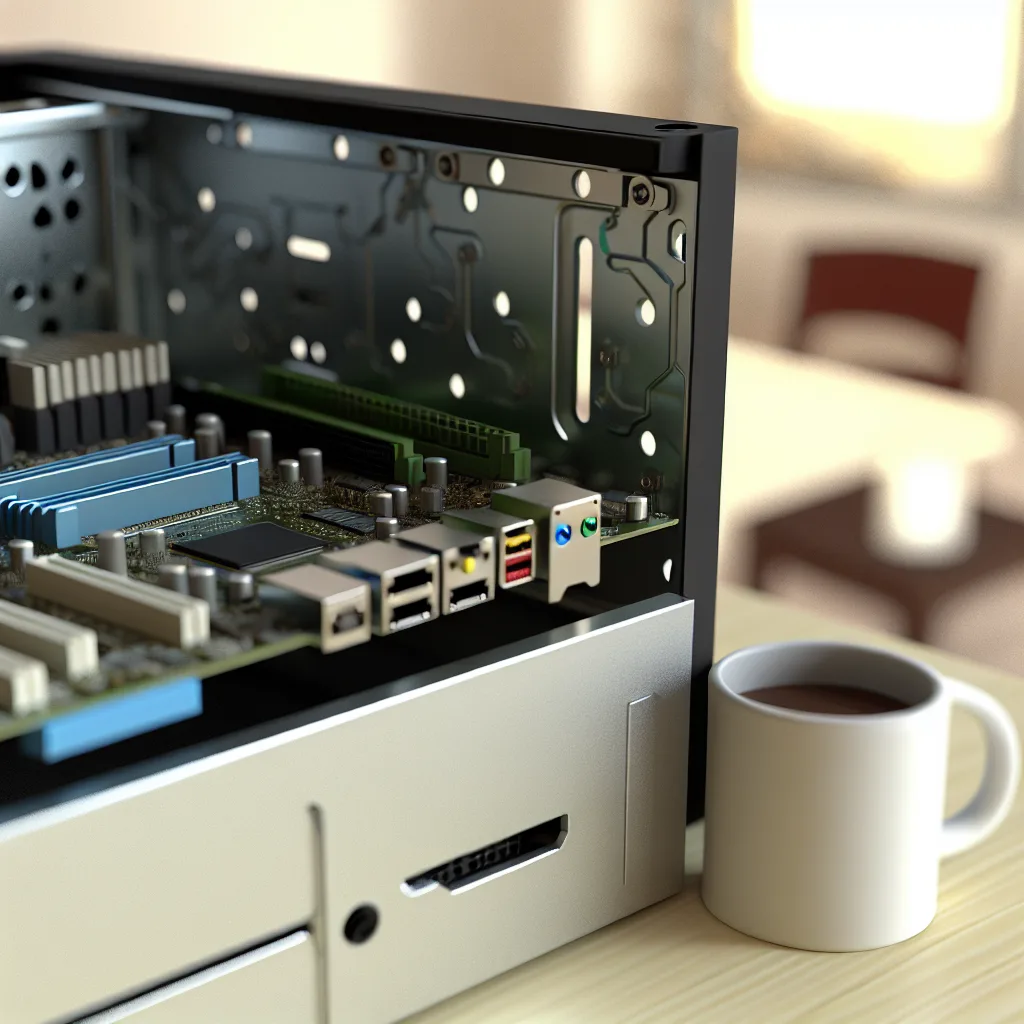
A friendly, practical guide to choosing the best NAS motherboard for your home setup
If you’re building a home NAS, the NAS motherboard is the backbone that holds everything together. As of 2025-10-27, here’s how I think about choosing one that fits your needs without turning your project into a mystery tour. I’m not here to hype the latest supercomputer spec. I’m here to help you pick a NAS motherboard that’s reliable, practical, and a joy to tinker with.
What a NAS motherboard actually does
A NAS motherboard is more than just a metal plate with chips. It determines how much storage you can attach, how fast your data can move, and how reliably the system stays up when you’re backing up or streaming at the same time. In short, it’s the foundation of your home server. The right NAS motherboard gives you room to grow and keeps your energy usage reasonable. For many folks, choosing the right board means balancing cost, future upgrades, and the OS you want to run.
Key features to look for in a NAS motherboard
When you’re shopping for a NAS motherboard, here are the features that tend to matter most:
- CPU socket and chipset compatibility: Pick a board that supports the CPU you plan to use. If you’re aiming for low power and quiet operation, look at energy-efficient CPUs; if you want to run multiple VMs, you’ll want more cores and better virtualization support.
- RAM support (and ECC): If you’re planning to use ZFS-based filesystems (like TrueNAS) or you want strict data integrity, ECC RAM is worth it. Even if you don’t use ECC, make sure the board supports enough RAM for your workload.
- Storage ports: The number of SATA ports and whether you can add SAS or NVMe cache matters a lot. Many home users start with 4-6 SATA ports and add NVMe caching to speed up frequent reads/writes.
- NVMe slots for caching: An NVMe SSD used as a cache can dramatically improve responsiveness without expanding your drive count.
- PCIe expansion: If you later want more NICs, additional SAS controllers, or a faster PCIe SSD, you’ll want room to grow.
- Network options: Do you want 1GbE, 2.5GbE, or even 10GbE? A board with higher-speed NICs or dual ports can be a good future-proofing move.
- Form factor: Mini-ITX is compact and affordable; Micro-ATX often offers more expansion slots; ATX boards give you the most headroom.
- IPMI or remote management: If you’re building a serious home server and you don’t want to keep a monitor attached, IPMI can help with remote management.
- Reliability and compatibility: Look for boards with solid warranty, good vendor support, and a track record of compatibility with your OS of choice (TrueNAS, OpenMediaVault, or Unraid).
Choosing the right NAS motherboard for your OS
Which OS you plan to run can steer your choice. TrueNAS, for example, tends to shine when you pair a capable motherboard with ECC RAM. The official TrueNAS hardware guide and compatibility lists are good resources as you plan. See the TrueNAS hardware guide and community forums for real-world feedback and tested configurations. If you’re curious about broad hardware support and official recommendations, you can also check out the OpenMediaVault project for hardware notes and community-tested builds.
Where to look for reliable boards
There are a few vendors that consistently ship boards that are friendly to home NAS builds:
– ASRock Rack (nas-friendly server boards with solid I/O options): https://www.asrockrack.com/
– Supermicro (a long-time favorite for DIY NAS and home labs): https://www.supermicro.com/products/motherboard
These brands typically offer good documentation, BIOS updates, and a track record with hobbyist and professional users alike.
For software compatibility and hardware guidance, take a peek at:
– OpenMediaVault hardware notes: https://www.openmediavault.org/
– TrueNAS hardware compatibility: https://www.truenas.com/docs/hardware/compatibility/
A few practical buying tips
– Start with your use case. If you mainly back up files and stream from a small library, you don’t need the fastest CPU, but you’ll want reliable SATA ports and a safe amount of RAM.
– If you plan to run VMs or a busy Plex server, you’ll benefit from a CPU with more cores and more RAM. ECC RAM can help with long-term stability in those scenarios.
– Plan for expansion. Pick a board with extra PCIe lanes and extra SATA/NVMe slots if you think you’ll expand later.
– Don’t forget cooling. NAS hardware sits under continuous load; ensure your case and fans can handle the heat without waking up the neighborhood.
– Check OS compatibility. If you’re set on TrueNAS or OpenMediaVault, review their hardware compatibility pages or community-tested configurations before buying.
Real-world starter builds
– A compact home NAS with Mini-ITX and 4 SATA drives: A low-power CPU, 8-16 GB of RAM, a single 2.5GbE NIC, and a fast NVMe cache drive. This setup covers backups, light media serving, and basic virtualization labs in a small footprint.
– A mid-range NAS with Micro-ATX: 6-8 SATA drives, 16-32 GB RAM (ECC if possible), dual NICs (1GbE or 2.5GbE), and a couple of NVMe slots for caching. This is a sweet spot for more robust media libraries and more concurrent tasks.
– A larger, more flexible NAS for heavy use: 8-12 SATA (or more with SAS adapters), ample RAM, multiple PCIe slots for extra NICs or SAS controllers, and ample cooling. Great for a home lab that runs multiple services 24/7.
Putting it all together
Choosing a NAS motherboard doesn’t have to be hard. Start with your must-haves, then think about growth. The right NAS motherboard will feel intuitive once you map your expected workloads to the features above. And if you keep your OS choice in mind from the start, you’ll avoid chasing compatibility problems down the line.
If you want more context, I’d start with vendor guides and community resources. The official hardware pages and documentation are good anchors, and real-world build reports from fellow hobbyists show what works at scale in a home environment. The key is to stay flexible and pragmatic, not obsessed with chasing the latest spec sheet. Your NAS motherboard should simply be one that supports the tasks you actually do today—and leaves room to grow tomorrow.
As of 2025-10-27, this approach helps you stay grounded while you shop. A thoughtful NAS motherboard sets the pace for your home server project, not the other way around.
External links cited above give you authoritative anchors for hardware choices and OS-specific guidance, helping you build with confidence rather than guesswork.